Save, Copy, and Export Network Packets
TCP Viewer can export a whole capture, a sidebar group, or selected packet rows. It can also copy readable table data for an issue, note, script, or chat.
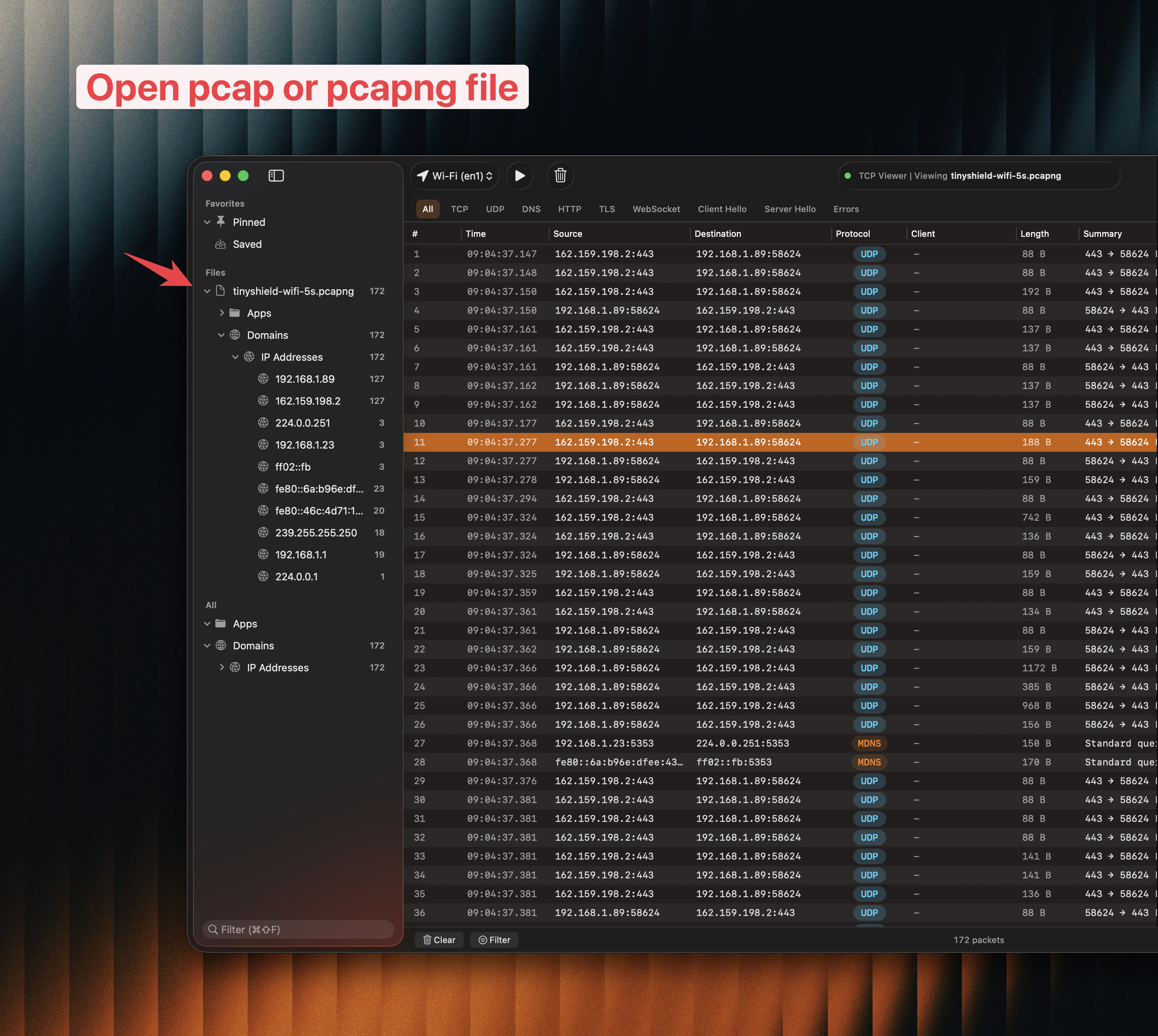
Open, narrow, and review the packet set before saving or exporting it.
1. Benefits
- ✅ Export standard PCAP or PCAPNG files.
- ✅ Save a TCP Viewer session for continued work in the app.
- ✅ Export only selected packets, apps, domains, IP addresses, or saved rows.
- ✅ Copy rows as plain text, JSON, Markdown, or CSV.
- ✅ Copy a single table cell or decoded field.
- ✅ Reopen the exported capture in TCP Viewer or another compatible tool.
2. Export the full capture
- Stop or pause the capture when you have enough packets.
- Open the Share menu in the toolbar.
- Choose Export as pcap, Export as pcapng, or Export Session.
- Choose a safe file name and location.
Use PCAP or PCAPNG for compatibility with tools such as Wireshark. Use a TCP Viewer session when you plan to continue the same app-focused review later.
3. Export a smaller packet set
To export selected rows:
- Select one or more packet rows.
- Right-click the selection.
- Open Export and choose as pcap… or as pcapng….
To export a group, right-click a supported app, domain, IP address, imported file, pinned source, or saved group in the sidebar. This is often the fastest way to remove unrelated traffic before sharing.
4. Copy packet rows
Select packet rows, right-click, and open Copy Rows As:
- Plain text creates tab-separated rows.
- JSON creates a readable array with stable field names.
- Markdown Table is useful for GitHub issues and documentation.
- CSV copies rows without a header.
- CSV with Header includes the column names.
Choose Copy Cell Value when you need values from only the clicked column. For protocol fields and raw byte formats, use the copy menu in the packet inspector.
5. Review before sharing
A packet capture may contain private host names, addresses, headers, cookies, credentials, tokens, or payload data. Narrow the capture to the smallest useful set and inspect it before uploading or posting it publicly.
For a private support case, email tcpviewer@proxyman.com. Do not include a license key in the capture or message.